01 · Color
The grade they paid for
Nodes, wheels, qualifiers — Uncle puts the next control under your cursor, on your timeline.
 TryUncle
It’s late. The edit isn’t done. The tutorial doesn’t match your screen.
 Just ask Uncle.
Uncle does. He looks at your actual project and points at the next click, live, while you edit.
$20/mo · cancel anytime
TryUncle takes a screenshot only when you ask a question.
He sees your screen, knows Resolve, and gets your context — then guides you visually, on any page, right there and then.
01 · Color
Nodes, wheels, qualifiers — Uncle puts the next control under your cursor, on your timeline.
02 · Fusion
Text, titles, comps — he walks the graph on your screen, not a stranger's tutorial.
03 · Deliver
Formats, codecs, crops — the export settings that actually land with the client.
the rate math →
They cost 40+ hours a year. About $2k–$4k of evenings you never bill.
Eight or more stuck points a year, three to six hours each on YouTube. At a modest $50–100/hr, that’s real money that never makes it onto an invoice.
You bill for one grade
$200–500
on a client delivery
Uncle costs
$20/mo
cancel anytime
One yes on a grade covers a full year of Uncle — at $20/mo. Money left over.
The whole thing, no cuts to hide behind — at your own pace.
We want to be honest with you
Five things Uncle is bad at.
He’s slow. Three seconds on a good turn. Fifteen when he thinks. Thirty when he goes digging through DaVinci’s thousands of pages of manual first.
He’s wrong once in a while. And he’s confident when he’s wrong. He’ll point at the wrong button like he means it. He figures it out, though. When he gets stuck in a loop, two tries and he snaps back.
He mishears you. You talk to him out loud, voices garble, and once in a while he starts solving a problem you don’t have.
He sees by taking a picture of your screen. It goes to a server, comes back answered, gets deleted within thirty days. There’s no version of him that works another way.
He doesn’t touch your edit. Not one cut. Not one node. Ever. Even when doing it for you would be faster. Every change in your project is made by your hands.
But he’s tailored to you. He’s there whenever you’re editing, 2am included, and he answers in seconds instead of three hours of tutorial. He knows Resolve deep. The color page, Fusion, Fairlight, the settings buried four levels down, and where every feature hides. He sees what’s in front of you, so you ask about the thing on your screen and he points at it. He walks you through jobs you couldn’t have finished alone. Then projects you wouldn’t have dared to take. And if you put in the hours, that’s the part that makes you more money.
That’s the whole product.
One more thing, while we’re being honest: Uncle is new. He gets better every week, and what he fumbles today he may nail next month. The people here at the beginning are shaping what he becomes, and we appreciate every one of them.
And a promise. We build for creators, so we will never build the version that edits for you. Auto-editing takes the craft out of your hands, and the craft is the part that’s yours. Uncle shows you. You edit. That never changes.
TryUncle Access
One plan, everything included
$34.99$20/mo
cancel anytime
less than one hour of freelance editing time
A private teacher runs $500–1,000/mo. Uncle is $20/mo, every hour you edit.
On your desktop: download, sign in, ask — about five minutes to Uncle on your timeline.
TryUncle takes a screenshot only when you ask a question.
14-day guaranteeUnstuck in your first week, or every dollar back. Email mariusmanola@gmail.com — full refund, no forms.
Uncle watches your screen, listens to what you are trying to do, and points at the exact button, slider, wheel, or node you need next — on your own screen. The answer comes as a spoken reply plus a hand-drawn box or a cursor that flies to the control, so you are never translating words back into clicks.
No. A general chatbot cannot see your screen, so it guesses and hands you a menu path you then have to find. Uncle sees your actual timeline, your actual node tree, and your actual stuck point, answers that specific situation, and circles the control on screen so there is nothing to translate.
Three shortcuts, all rebindable: press Shift + Fn to talk (press again or hit Enter to stop), press Shift + Option to type a question, and press Shift + Control to ask “am I doing this right — what’s next?” Ask the way you would ask an editor sitting next to you.
Your media never leaves your Mac. TryUncle reads your screen to understand what you are looking at — the same screen-recording permission any capture or streaming app uses — but it does not upload, store or share your footage or your project files.
TryUncle Access is $20/month, and you can cancel anytime. It is built by Marius Manolachi, an online Udemy business instructor and the founder of TryUncle, and shaped by the app’s community of editors.
Because Uncle is not a course — it is help at the exact moment you are stuck, on your own project. A course is finite: a fixed syllabus on someone else’s footage, and then it ends. Learning Resolve doesn’t end — every project brings a new stuck point, every version ships new tools, and the questions just change shape: Edit basics in month one, Color and Fusion later, delivery specs and client fixes once you charge for it. Uncle answers at every stage, and the math holds the whole way: editors who grade charge $200–500 more per video, so one graded delivery covers more than a year of Uncle.

Color grading adds $200–500 per video. Uncle is $20/month — cancel anytime.
Meanwhile, join 100k editors in the community →It’s late. The edit isn’t done. The tutorial doesn’t match your screen.
Just ask Uncle.Uncle does. He looks at your actual project and points at the next click, live, while you edit.
$20/mo · cancel anytime
TryUncle takes a screenshot only when you ask a question.
you know this one →
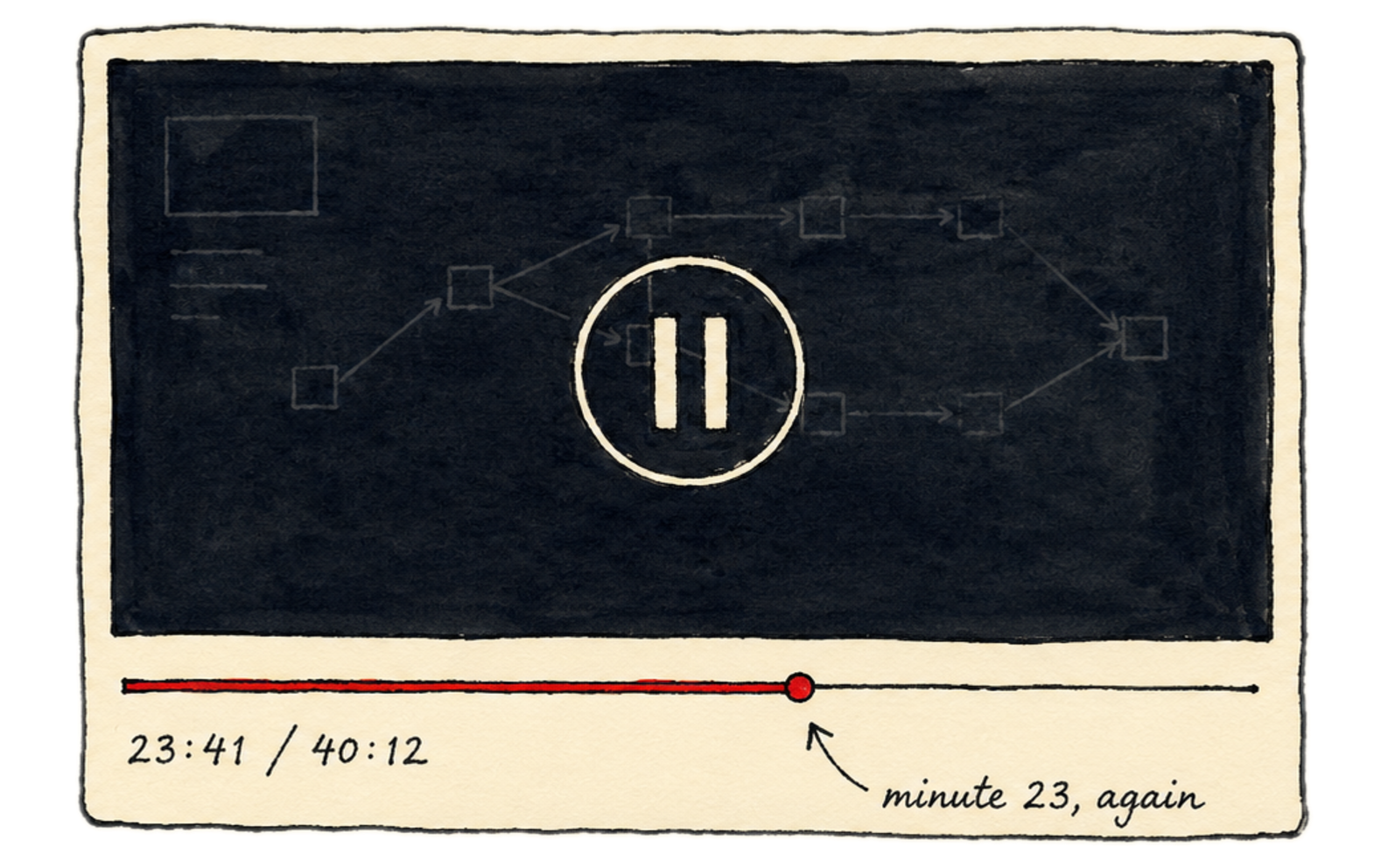
The edit is due at nine. You’re stuck on one thing.
So you open YouTube. The tutorial is 40 minutes long. The guy’s screen doesn’t look like yours. You pause. You rewind. You pause again. Twenty minutes gone. Still stuck.
If you had an editor next to you, you’d just ask: “which button?” Ten seconds. Done.
You don’t have one. That’s why Uncle exists.
while you edit →
He sees your screen, knows Resolve, and gets your context — then guides you visually, on any page, right there and then.
01The grade they paid forNodes, wheels, qualifiers — Uncle puts the next control under your cursor, on your timeline.
press shift + fn
Uncle listens
Ask the thing you'd ask the editor next to you — if you had one.
TryUncle takes a screenshot only when you ask a question.
the rate math →
They cost 40+ hours a year. About $2k–$4k of evenings you never bill.
Eight or more stuck points a year, three to six hours each on YouTube. At a modest $50–100/hr, that’s real money that never makes it onto an invoice.
You bill for one grade
$200–500
on a client delivery
Uncle costs
$20/mo
cancel anytime
One yes on a grade covers a full year of Uncle — at $20/mo. Money left over.
the whole thing, no cuts →
We want to be honest with you
Five things Uncle is bad at.
He’s slow. Three seconds on a good turn. Fifteen when he thinks. Thirty when he goes digging through DaVinci’s thousands of pages of manual first.
He’s wrong once in a while. And he’s confident when he’s wrong. He’ll point at the wrong button like he means it. He figures it out, though. When he gets stuck in a loop, two tries and he snaps back.
He mishears you. You talk to him out loud, voices garble, and once in a while he starts solving a problem you don’t have.
He sees by taking a picture of your screen. It goes to a server, comes back answered, gets deleted within thirty days. There’s no version of him that works another way.
He doesn’t touch your edit. Not one cut. Not one node. Ever. Even when doing it for you would be faster. Every change in your project is made by your hands.
But he’s tailored to you. He’s there whenever you’re editing, 2am included, and he answers in seconds instead of three hours of tutorial. He knows Resolve deep. The color page, Fusion, Fairlight, the settings buried four levels down, and where every feature hides. He sees what’s in front of you, so you ask about the thing on your screen and he points at it. He walks you through jobs you couldn’t have finished alone. Then projects you wouldn’t have dared to take. And if you put in the hours, that’s the part that makes you more money.
That’s the whole product.
One more thing, while we’re being honest: Uncle is new. He gets better every week, and what he fumbles today he may nail next month. The people here at the beginning are shaping what he becomes, and we appreciate every one of them.
And a promise. We build for creators, so we will never build the version that edits for you. Auto-editing takes the craft out of your hands, and the craft is the part that’s yours. Uncle shows you. You edit. That never changes.
a straight answer →
Uncle’s real job isn’t answering questions. It’s making sure you never have to say no to a job again.
the deal, plainly →
TryUncle Access
One plan, everything included
$34.99$20/mo
cancel anytime
less than one hour of freelance editing time
Download, sign in, ask — about five minutes to Uncle on your timeline.
A private teacher runs $500–1,000/mo. Uncle is $20/mo, every hour you edit.
TryUncle takes a screenshot only when you ask a question.
14-day guaranteeUnstuck in your first week, or every dollar back. Email mariusmanola@gmail.com — full refund, no forms.
FAQ
Uncle watches your screen, listens to what you are trying to do, and points at the exact button, slider, wheel, or node you need next — on your own screen. The answer comes as a spoken reply plus a hand-drawn box or a cursor that flies to the control, so you are never translating words back into clicks.
No. A general chatbot cannot see your screen, so it guesses and hands you a menu path you then have to find. Uncle sees your actual timeline, your actual node tree, and your actual stuck point, answers that specific situation, and circles the control on screen so there is nothing to translate.
Three shortcuts, all rebindable: press Shift + Fn to talk (press again or hit Enter to stop), press Shift + Option to type a question, and press Shift + Control to ask “am I doing this right — what’s next?” Ask the way you would ask an editor sitting next to you.
Your media never leaves your Mac. TryUncle reads your screen to understand what you are looking at — the same screen-recording permission any capture or streaming app uses — but it does not upload, store or share your footage or your project files.
TryUncle Access is $20/month, and you can cancel anytime. It is built by Marius Manolachi, an online Udemy business instructor and the founder of TryUncle, and shaped by the app’s community of editors.
Because Uncle is not a course — it is help at the exact moment you are stuck, on your own project. A course is finite: a fixed syllabus on someone else’s footage, and then it ends. Learning Resolve doesn’t end — every project brings a new stuck point, every version ships new tools, and the questions just change shape: Edit basics in month one, Color and Fusion later, delivery specs and client fixes once you charge for it. Uncle answers at every stage, and the math holds the whole way: editors who grade charge $200–500 more per video, so one graded delivery covers more than a year of Uncle.